> For the complete documentation index, see [llms.txt](https://docs.roboflow.com/llms.txt). Markdown versions of documentation pages are available by appending `.md` to page URLs; this page is available as [Markdown](https://docs.roboflow.com/deployment/roboflow-cloud/dedicated-deployments/create-a-dedicated-deployment.md).

# Create a Dedicated Deployment

{% hint style="warning" %}
Dedicated Deployments are not available on Public (free) tier.
{% endhint %}

### Create a Deployment in the Web Interface

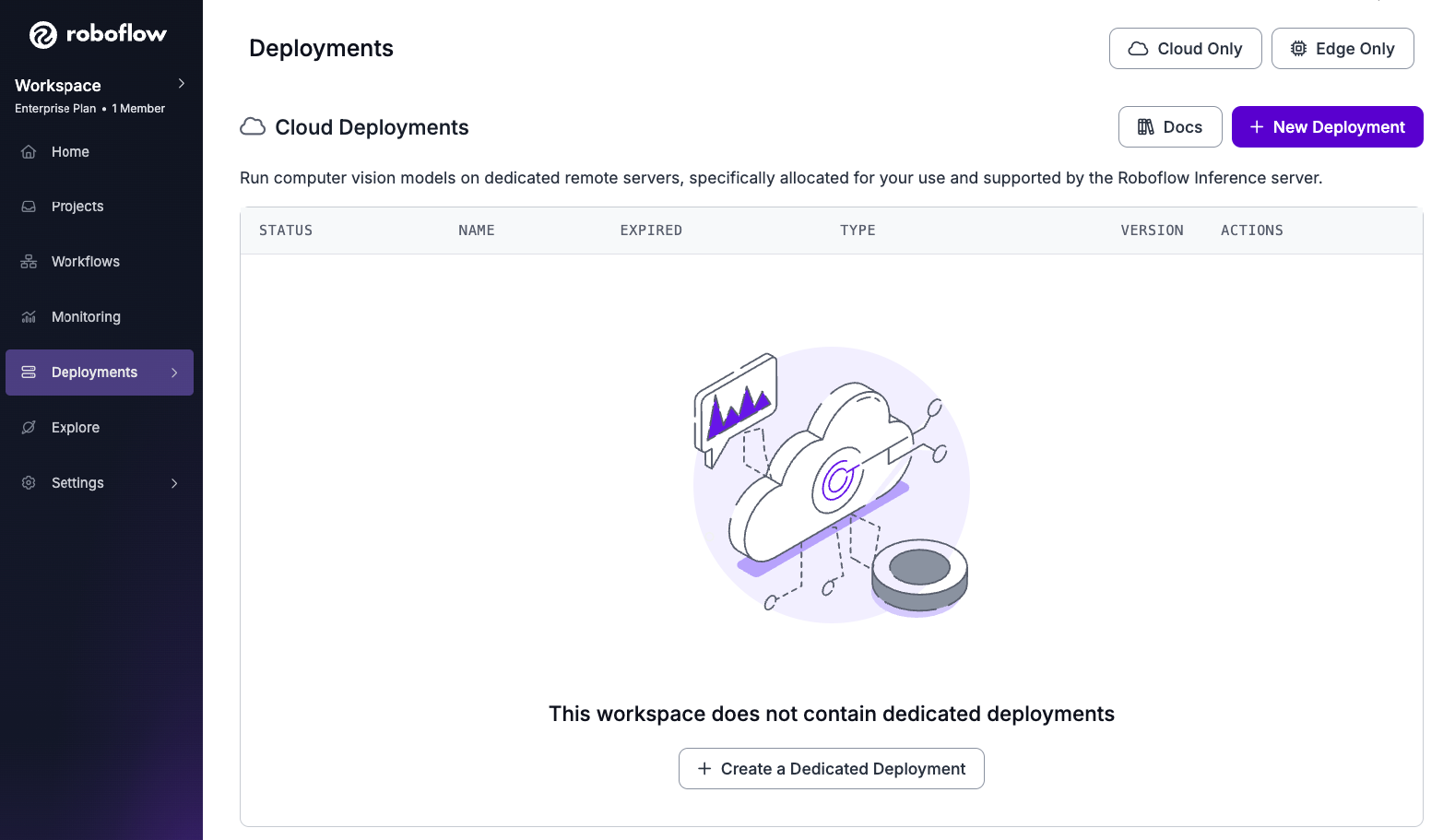
Open your workspace dashboard page, click **Deployments** on the left panel:

<figure><img src="/files/UXHqHmiRfxmq3nQB4C0P" alt=""><figcaption></figcaption></figure>

Click the **New Deployment** button, it brings up the **Create a Dedicated Deployment** dialog as shown below:

<figure><img src="/files/FQRvZVY8NX9OqB2WeCRx" alt=""><figcaption><p>Configure properties for your dedicated deployment.</p></figcaption></figure>

Each of the properties in the dialog are described in the table below. Fill the dialog and click on the **Create Dedicated Deployment** button. It may take anywhere from a few seconds to a few minutes to provision your deployment.

<table><thead><tr><th width="165">Property</th><th>Description</th></tr></thead><tbody><tr><td>Name</td><td><p>Choose a unique name (5-15 characters) to identify your Dedicated Deployment. This name will also become the subdomain for your deployment endpoint (e.g., <em><strong>dev-testing</strong>.roboflow.cloud</em>).</p><ul><li><strong>Easy to Remember:</strong> Pick a name that clearly reflects your deployment's purpose (e.g., "prod-inference", "dev-testing").</li><li><strong>Unique within Workspace:</strong> If your chosen name is already taken, a short random code will be added to create a unique subdomain.</li></ul><p><strong>Tips:</strong></p><ul><li>Use lowercase letters, numbers, and hyphens (-) for your name.</li><li>Avoid special characters or spaces.</li></ul></td></tr><tr><td>Machine Type</td><td>Whether a CPU-only or a GPU dedicated deployment is needed.</td></tr><tr><td>Deployment Type</td><td><p><strong>Development</strong>: ideal for development or experimental purpose, automatically expires in 3 hours.</p><p><strong>Production</strong>: ideal for serving production requests, permanent until manually deleted.</p></td></tr><tr><td>Autoscaling</td><td>This feature is only for <strong>prod-cpu</strong> and <strong>prod-gpu</strong>.</td></tr></tbody></table>

### Create a Dedicated Deployment with the CLI

The `roboflow deployment` command provides a set of subcommands to manage your Roboflow Dedicated Deployments. Before you proceed, please ensure you have the `roboflow` CLI installed and configured with your API key, as documented [here.](https://docs.roboflow.com/reference/cli/cli/using-the-cli)

#### Subcommands

| Subcommand         | Description                                                                 | Example                                                                |
| ------------------ | --------------------------------------------------------------------------- | ---------------------------------------------------------------------- |
| `machine_type`     | List available machine types (`dev-cpu`, `dev-gpu`, `prod-cpu`, `prod-gpu`) | `roboflow deployment machine_type`                                     |
| `add`              | Create a new deployment                                                     | `roboflow deployment add my-deployment -m prod-gpu -e you@example.com` |
| `get`              | Get details about one deployment                                            | `roboflow deployment get my-deployment`                                |
| `list`             | List all deployments in your workspace                                      | `roboflow deployment list`                                             |
| `usage_workspace`  | Usage statistics for every deployment in the workspace                      | `roboflow deployment usage_workspace`                                  |
| `usage_deployment` | Usage statistics for one deployment                                         | `roboflow deployment usage_deployment my-deployment`                   |
| `delete`           | Delete a deployment                                                         | `roboflow deployment delete my-deployment`                             |
| `log`              | View logs for a deployment                                                  | `roboflow deployment log my-deployment -t 60 -n 20`                    |

Add `--help` to any subcommand for its full set of options.
