> For the complete documentation index, see [llms.txt](https://docs.roboflow.com/llms.txt). Markdown versions of documentation pages are available by appending `.md` to page URLs; this page is available as [Markdown](https://docs.roboflow.com/deployment/roboflow-cloud/dedicated-deployments/delete-a-dedicated-deployment.md).
# Delete a Dedicated Deployment
Delete a Dedicated Deployment from the Deployments page or the Workflows editor.
You can delete a Dedicated Deployment from:
1. The Deployments page in your Roboflow dashboard, and;
2. The Dedicated Deployments tab of the "Choose an Inference Server" setting in the Workflow editor.
### Delete a Dedicated Deployment from the Deployments List
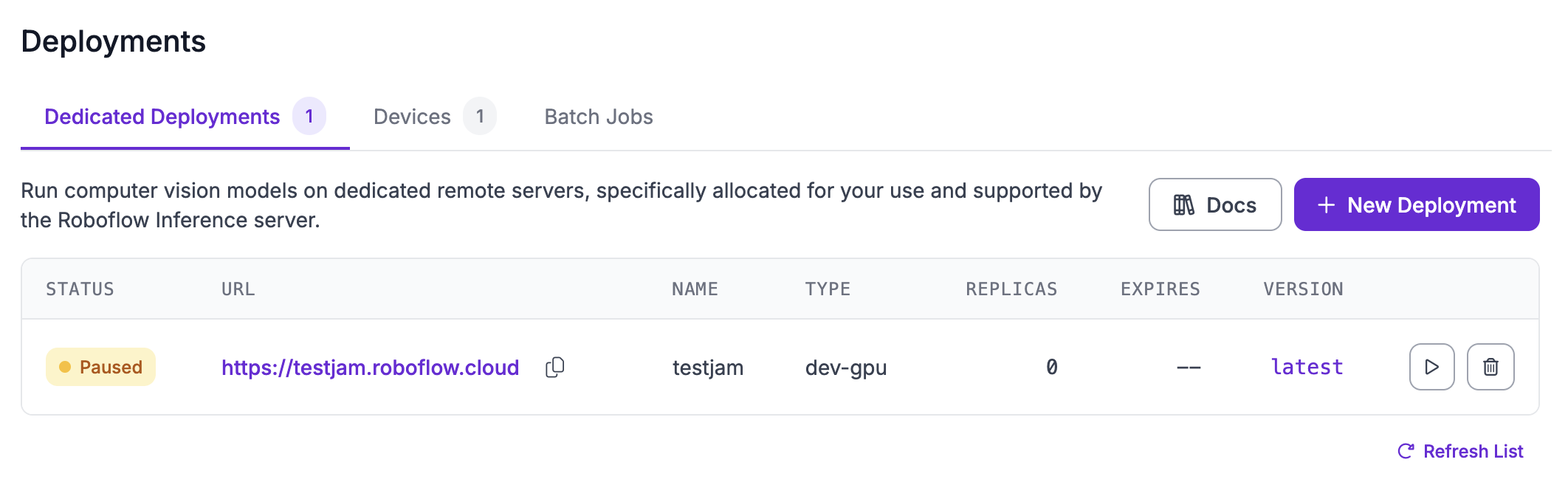
First, click "Deployments" from the left sidebar of your Roboflow dashboard, then click the "Dedicated Deployments" tab.
Then, click the trash icon next to the Dedicated Deployment you want to delete.
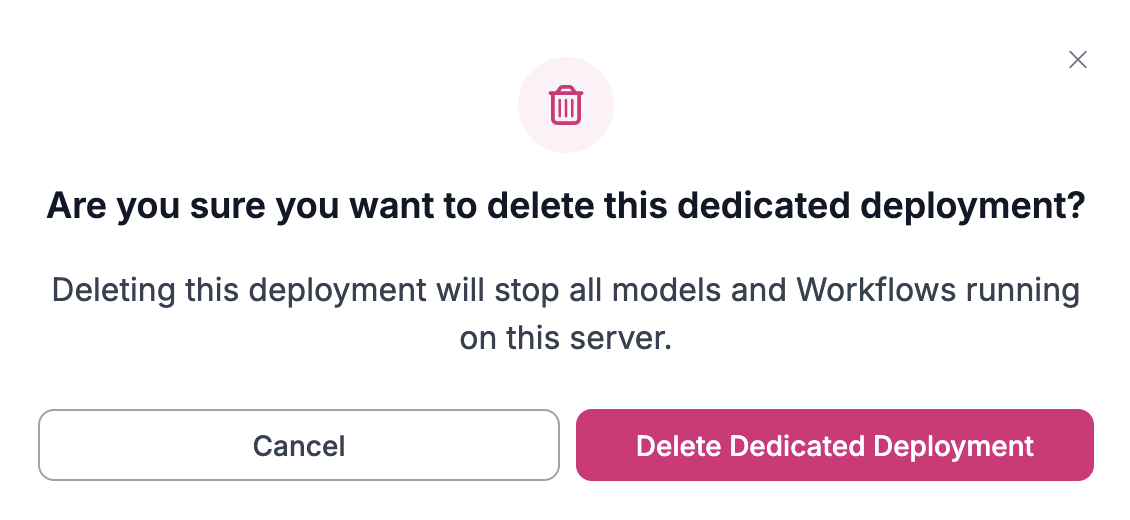
You will then be asked to confirm that you want to delete the Dedicated Deployment:
Click "Delete Dedicated Deployment" to delete your deployment. This is permanent and irrevocable.
### Delete a Dedicated Deployment from the Workflows Editor
You can also delete a Dedicated Deployment from the "Choose an Inference Server" page in the Workflows editor. To delete the Deployment, first open a Workflow, then click the "Running on" option:
A window will appear with several deployment options. Click "Dedicated Deployments", then click the trash icon next to the deployment you want to delete:
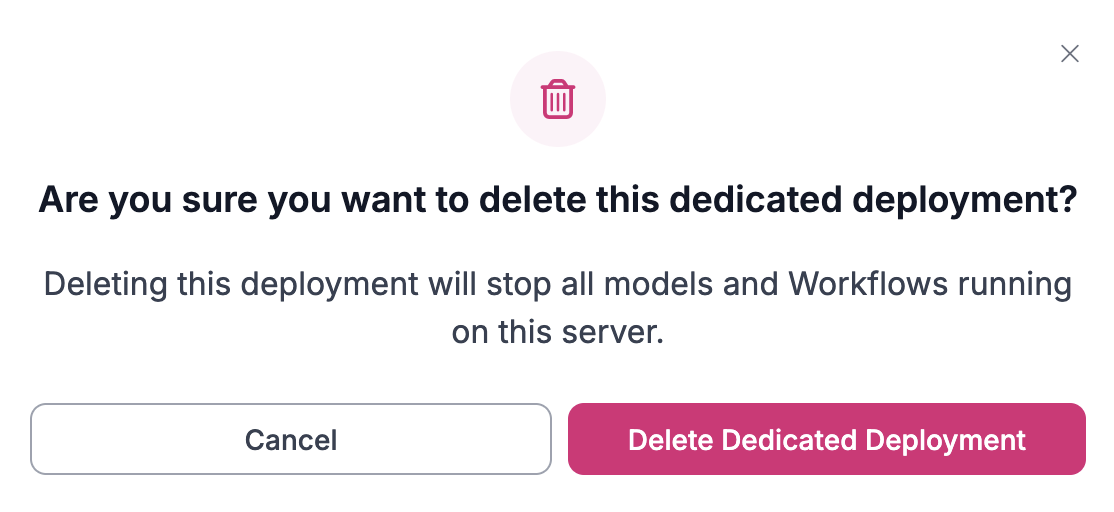
You will then be asked to confirm that you want to delete the deployment:
Click "Delete Dedicated Deployment" to delete your deployment. This is permanent and irrevocable.
%20(1).png?alt=media)
.png?alt=media)