
Self-Hosted Deployment
Run Roboflow models and Workflows on your own hardware with Inference, the open source computer vision deployment framework.
Inference is an open source computer vision deployment hub. It serves models and Workflows, manages video streams, and optimizes inference for CPUs and GPUs. Self-host it when you need local processing, control over latency and resources, or offline deployment. If you would rather Roboflow run the servers, see the comparison of options.
Pick a path


Use the server when more than one client or language needs predictions, when you want models isolated from your application dependencies, or when you deploy to edge devices.

Run model locally
For most projects, run Inference Server in Docker and send requests with inference-sdk. The SDK is a Python HTTP client that connects your application to an Inference Server. Use Inference Library when you need to load and run models directly inside your Python process. Both paths accept the same model_id values, so you can switch between them later.
Model IDs
The model_id parameter can be:
A pre-trained model alias, for example
rfdetr-smallorrfdetr-largeYour own fine-tuned model from Roboflow, for example
my-project/1A Universe model, for example
soccer-players-xy9vk/2
Fine-tuned models and Universe models require an API key.
Install
Start the server with the Inference CLI. It detects your hardware and pulls the right Docker image with secure defaults:
Then install the HTTP client:
For hardware requirements, per-device guides, and manual docker run commands, see Install Inference Server. The same client also works against the Serverless Cloud API and Dedicated Deployments: only api_url changes.
Run inference
The api_key_transport="header" setting sends the key only as an Authorization: Bearer header, keeping it out of URLs and logs. It requires an inference server on release 1.5.0 or newer; use api_key_transport="both" while you still call older servers. See API key transport.
Swap api_url for https://serverless.roboflow.com to use the Serverless Cloud API instead, with no other code changes. See the Inference SDK reference for details.
Visualize results
Install Supervision:
Install
Install the inference package into your own Python environment:
If you have an NVIDIA GPU, install inference-gpu instead, matching the index URL to the CUDA version installed in your OS:
See Inference Library for backend extras and GPU setup details.
Run inference
get_model() downloads and caches the model weights on first use, then runs inference locally. See the Inference Python Package reference for details.
Visualize results
Install Supervision:
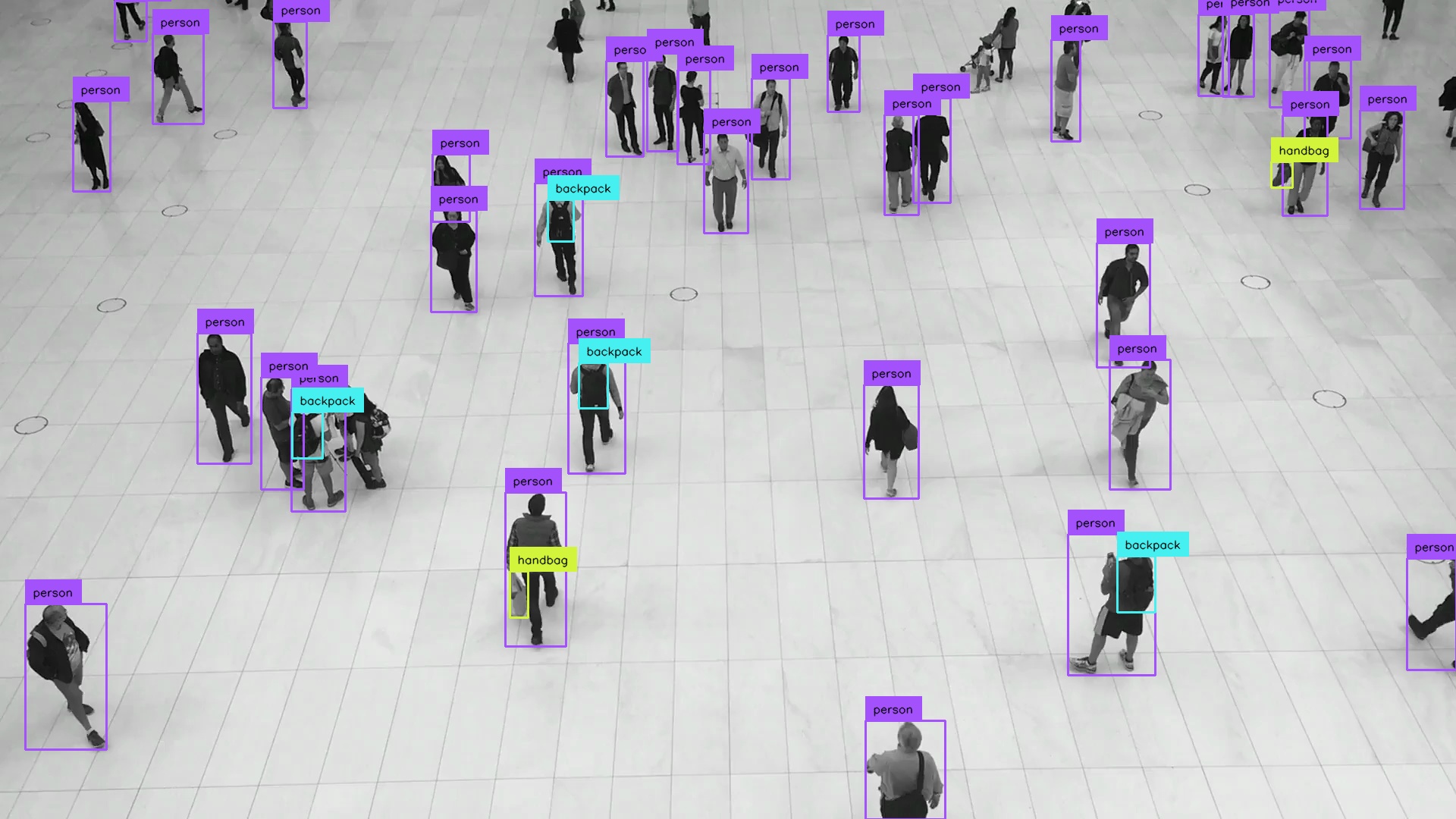
You can run a Workflow the same way, on the server or in your own process: see Deploy a Workflow.
Credits and Licenses
Self-hosted inference does not use credits. Images and video streams you run on your own hardware are free, and the Credit Usage page lists their meters as legacy with no charge.
The Inference core is Apache 2.0 licensed and also powers Roboflow's hosted APIs. Some models use restrictive licenses (ex: YOLO11 and YOLO26 use AGPL-3.0, and RF-DETR XL and 2XL use PML 1.0). Deploying them on Roboflow cloud includes a commercial license for every user, but commercial self-hosting needs the Enterprise license add-on. Apache 2.0 RF-DETR models (every size except XL and 2XL detection) need no extra license to self-host commercially. See Model Licenses.
Self-hosting means you manage the infrastructure. To have Roboflow run the servers instead, use Dedicated Deployments or the Serverless Cloud API.
Last updated
Was this helpful?