> For the complete documentation index, see [llms.txt](https://docs.roboflow.com/llms.txt). Markdown versions of documentation pages are available by appending `.md` to page URLs; this page is available as [Markdown](https://docs.roboflow.com/get-started/ja/jento/agents.md).
# エージェント
RoboflowのAIエージェントの選択肢の概要: MCPサーバー、Agent Skills、アプリ内のRoboflow Agent。
Roboflow は AI エージェントを次の機能でサポートします:
* [MCP サーバー](/get-started/ja/jento/mcp-server.md) Roboflow にエージェントを接続するための
* [エージェントスキル](https://github.com/roboflow/computer-vision-skills) エージェントにスキル(知識)を与えるための
* [Roboflow エージェント](/get-started/ja/jento/roboflow-agent.md)、アプリ内であなたの [ワークスペース](/get-started/ja/purattofmu/workspaces/key-concepts.md) に接続し、構築、実行、デバッグができます [ワークフロー](https://docs.roboflow.com/workflows) および [Rapid](https://docs.roboflow.com/models/rapid/rapid) モデル。
## Claude
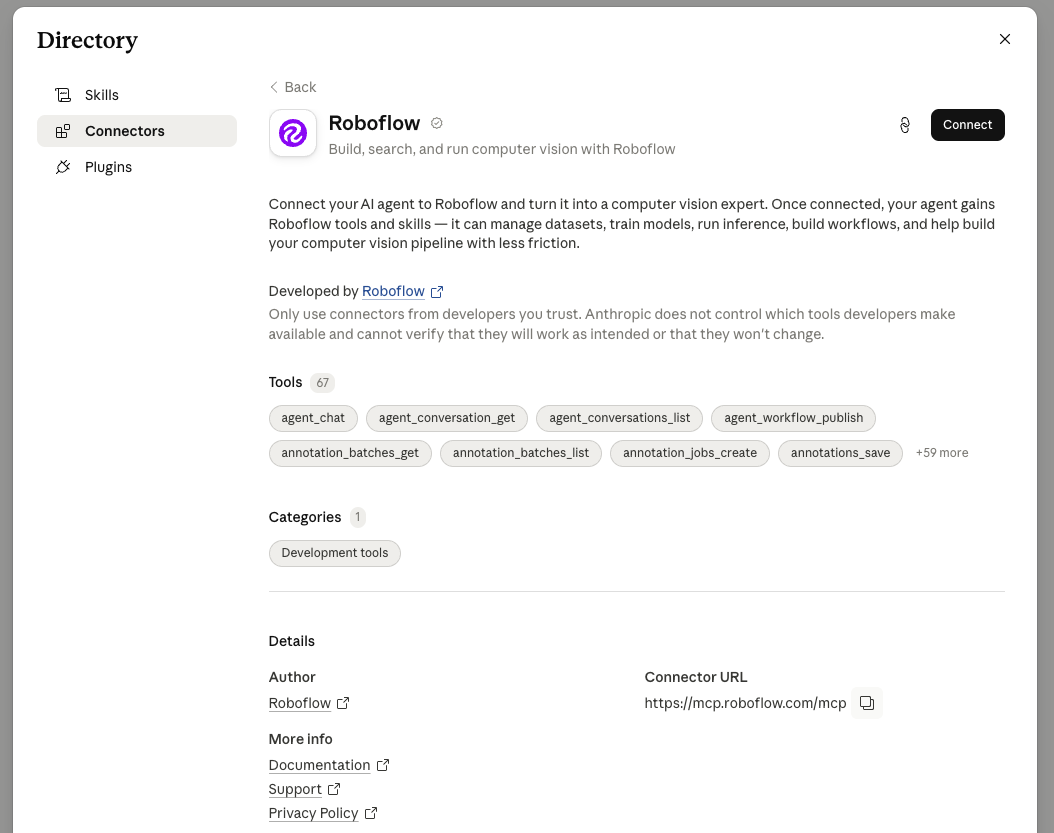
次を追加してください [Roboflow コネクタ](https://claude.ai/directory/connectors/dbbc26cf-80b0-4a85-9877-f85874282794) Claude を次に接続するための [MCP サーバー](/get-started/ja/jento/mcp-server.md)、データセットの管理、モデルの学習、推論の実行、Workflows の作成を行うためのツールを与えます。インストール [エージェントスキル](https://github.com/roboflow/computer-vision-skills) 別途。
 ## Cursor
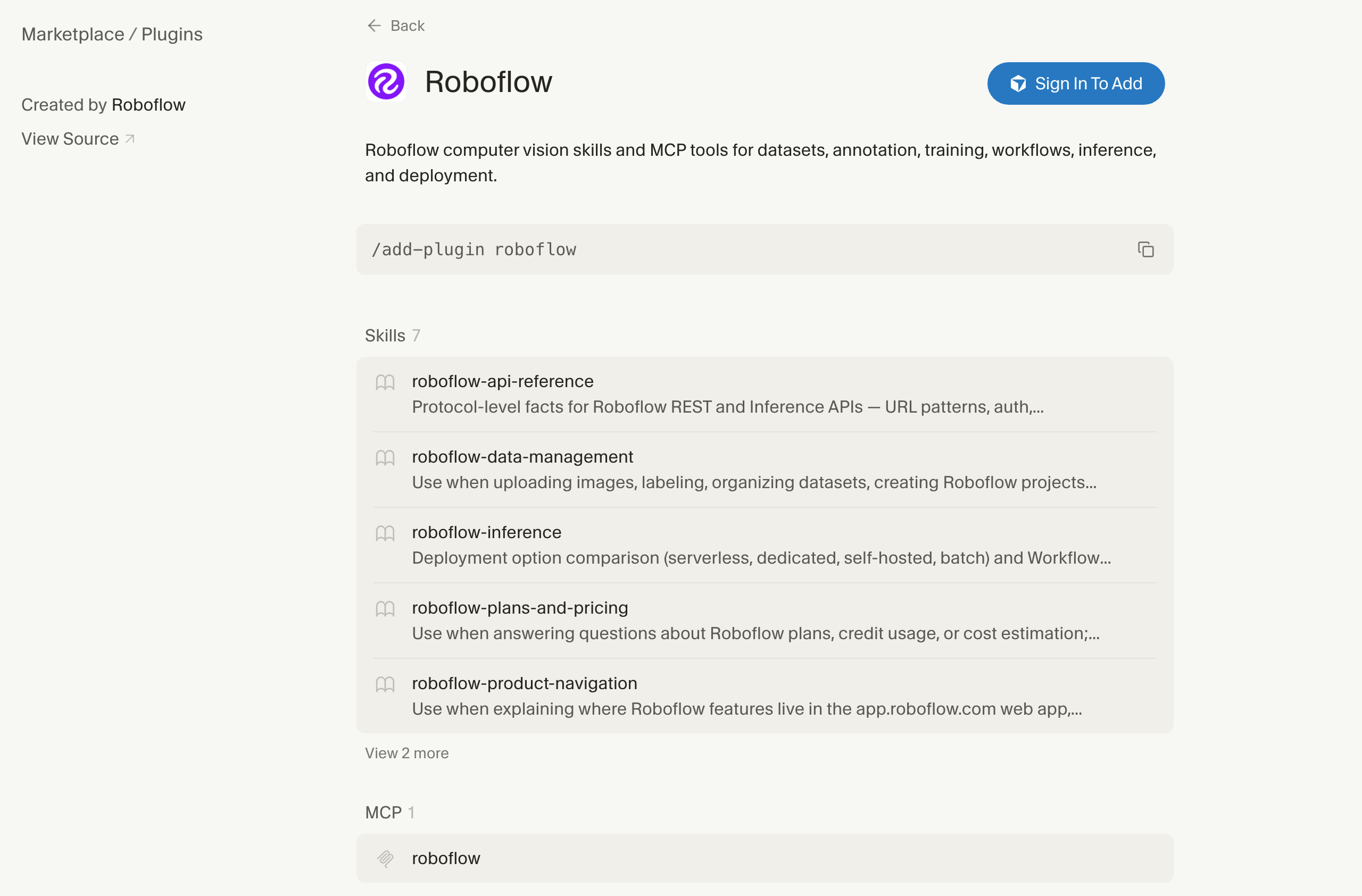
追加 [Cursor マーケットプレイスから Roboflow を](https://cursor.com/marketplace/roboflow) をインストールするには [MCP サーバー](/get-started/ja/jento/mcp-server.md) と [エージェントスキル](https://github.com/roboflow/computer-vision-skills) を 1 ステップで。
## Cursor
追加 [Cursor マーケットプレイスから Roboflow を](https://cursor.com/marketplace/roboflow) をインストールするには [MCP サーバー](/get-started/ja/jento/mcp-server.md) と [エージェントスキル](https://github.com/roboflow/computer-vision-skills) を 1 ステップで。