> For the complete documentation index, see [llms.txt](https://docs.roboflow.com/llms.txt). Markdown versions of documentation pages are available by appending `.md` to page URLs; this page is available as [Markdown](https://docs.roboflow.com/platform/support/apply-for-research-credits.md).
# Apply for Research Credits
How students and researchers can apply for a free Roboflow research plan with extra monthly credits.
We offer additional platform credits for students and researchers in academia.
These credits are available for anyone with an academic email address and who is using Roboflow for non-commercial work related to research or academia.
### Research Plan
The Research plan includes:
* 50 credits per month, with no overage. Usage stops when you reach 50 credits.
* Every Core feature except private projects.
* Research access for 2 years.
All projects in a Research workspace must be public on [Roboflow Universe](https://universe.roboflow.com/), and their data may be used for data licensing and model training.
{% hint style="info" %}
See the latest plans and pricing on the [pricing page](https://roboflow.com/pricing).
{% endhint %}
### Apply for Research Credits
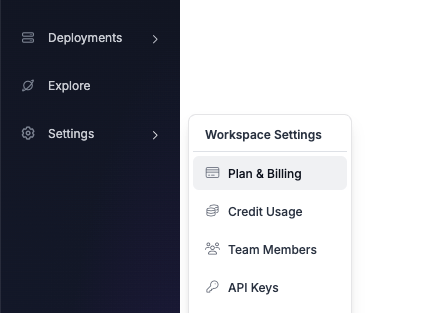
To apply for research credits, go to [**Plan & Billing Settings**](https://app.roboflow.com/settings/plan) (or go there through "Settings" -> "Plan & Billing")
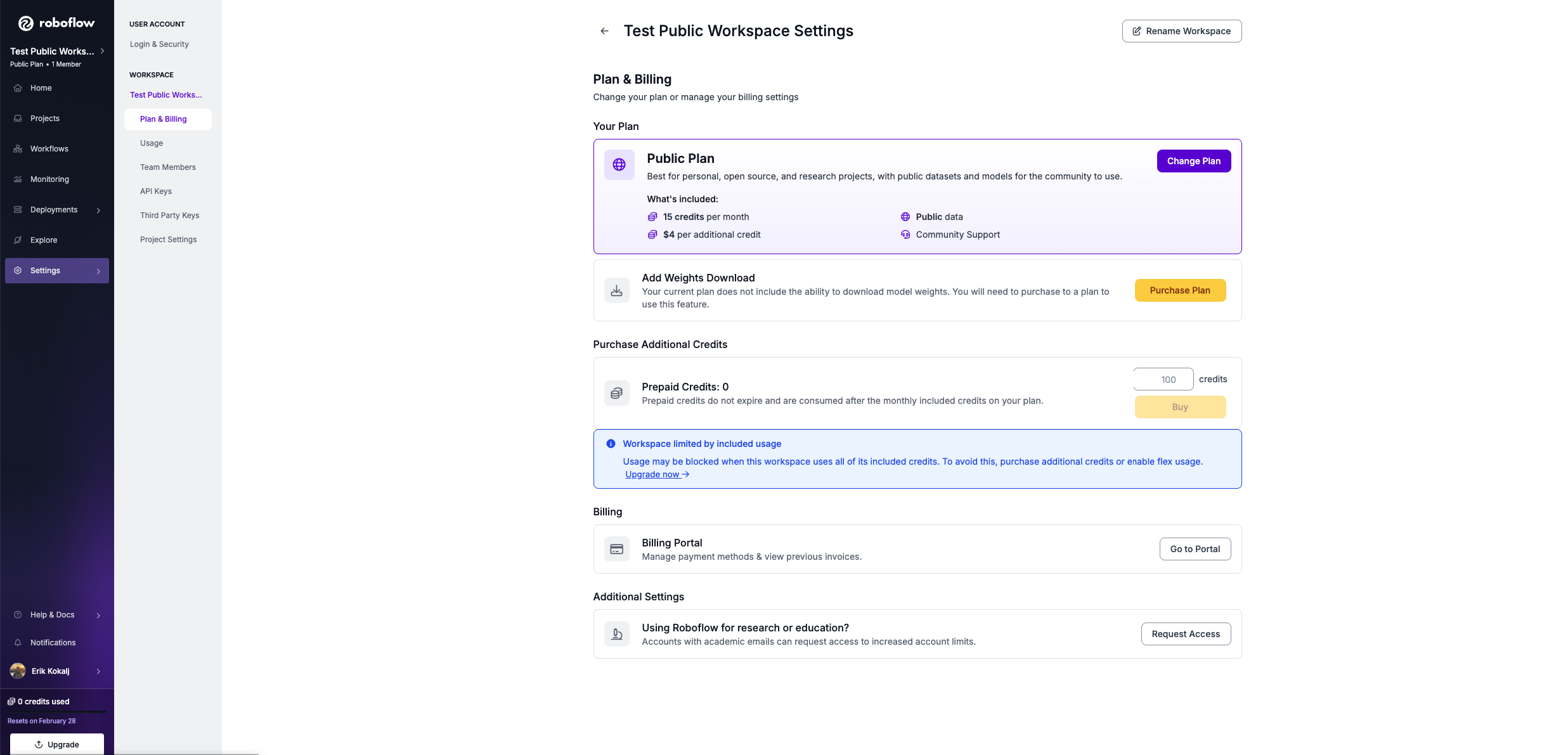
Scroll down to the bottom of the Plan & Billing page to the "Using Roboflow for research or education?" option, then click "Request Access":
Request Access to the Edu/Research plan inside Plan & Billing Settings
You can apply from a free plan (ex: the Core Free Tier, Public) in a workspace that allows public projects. You don't see the "Request Access" option if your workspace is on a paid plan or a trial, or if public projects are turned off (ex: workspaces in the EU region). If you are on a trial, you can [cancel your trial](https://docs.roboflow.com/platform/billing-and-plans/premium-trial.md#cancelling-a-trial).
In the "Apply for Research Access" window, check the box to confirm non-commercial use, then click "Apply for Research Access". You must be signed in with an academic email.
If your workspace has private projects, or more projects than the Research plan allows, the window lists the changes you must make. Roboflow does not make projects public or delete them for you. Until you make the changes, the workspace is blocked. Check "I understand that I must make the changes above to keep using this workspace" to apply.
To leave Research, [move to the Free Tier](https://docs.roboflow.com/platform/billing-and-plans.md#move-to-the-free-tier). A workspace that left Research can't apply again.
### Roboflow in the Classroom
Students and teachers using Roboflow in the classroom are encouraged to contact us for help developing course materials or ensuring account access meets the needs of your class. Hobbyists working on projects can earn additional image and training credits by sharing work in blog posts, videos, forum discussions, and more.