> For the complete documentation index, see [llms.txt](https://docs.roboflow.com/llms.txt). Markdown versions of documentation pages are available by appending `.md` to page URLs; this page is available as [Markdown](https://docs.roboflow.com/roboflow/roboflow-jp/datasets/project-folders.md).
# Project Folders
Project Folders は、workspace 内のプロジェクトの整理とセキュリティを向上させます。Folders を使うと、1つ以上のプロジェクトを明確なカテゴリにまとめることができ、プロジェクトの移動、整理、管理がしやすくなります。さらに、SSO が有効な workspace では、folder 内のプロジェクトへのアクセスを特定のチームメンバーに制限できるため、データのセキュリティが強化されます。
#### Folders の表示
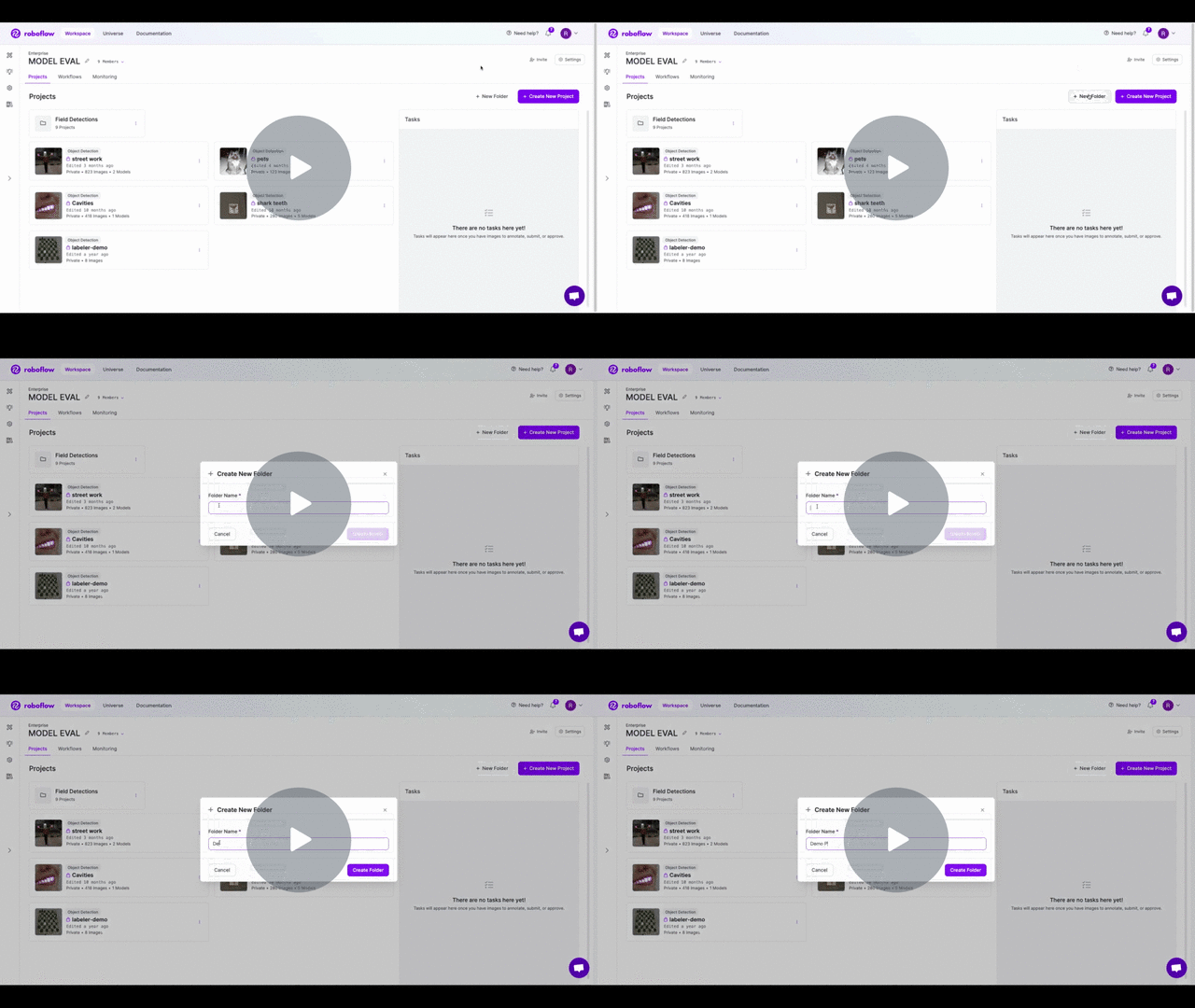
workspace の表示では、所有している Project Folders が上部に表示されます。workspace には1つ以上の Project Folders を作成でき、各 Project Folder には1つ以上の Projects を含めることができます。
#### Folder 名の変更
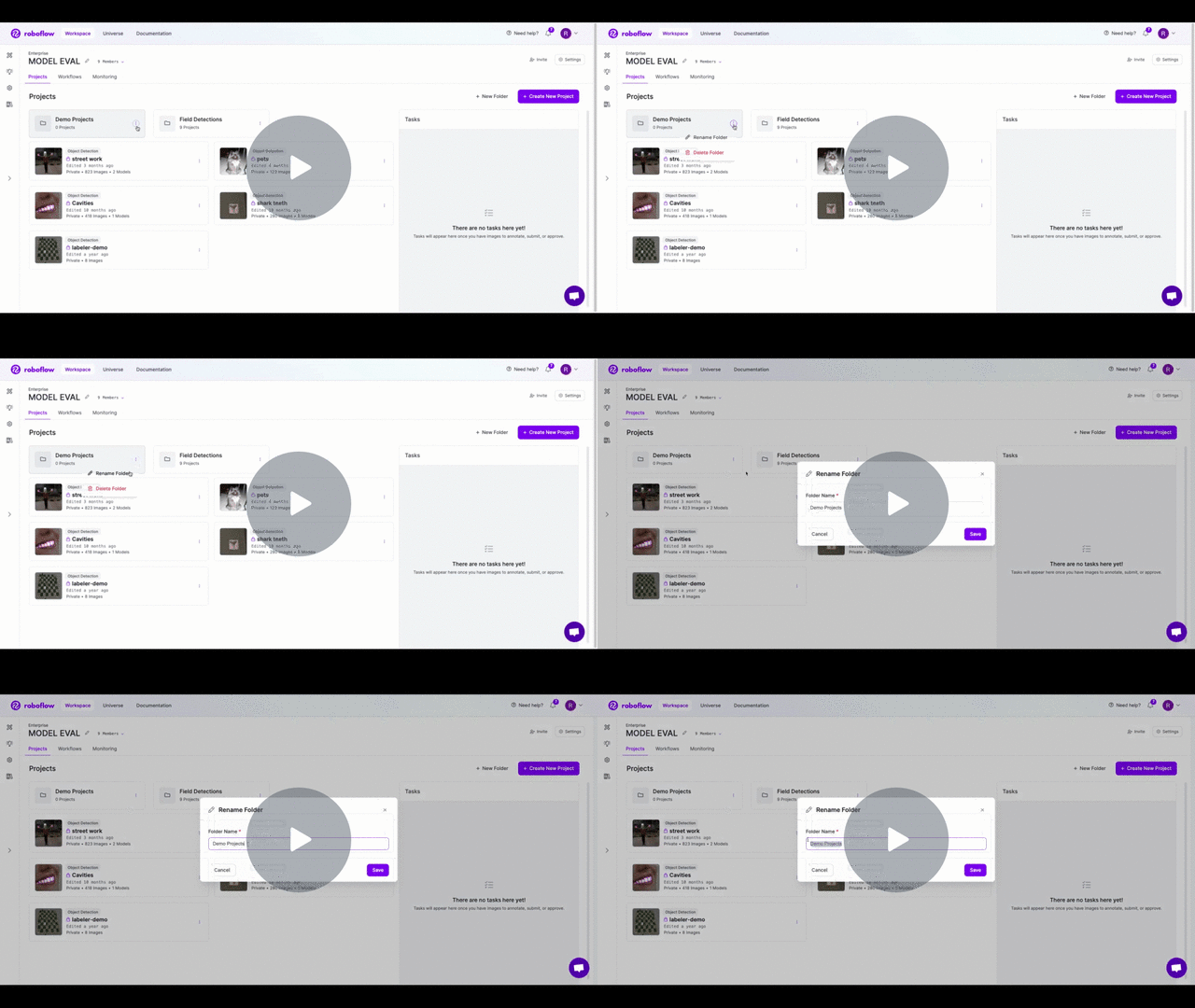
folder の名前を変更するには、project folder 上のドロップダウンメニュー(3つの点)をクリックします。「Rename」オプションを選択し、新しい project 名を入力してください。「Save」をクリックすると、folder の名前が新しいものに更新されます。
[\[Roboflow Documentation\] Project Folders - Rename Folder - 動画を見る](https://www.loom.com/share/63508a2ff629454690ac0957d5cfc990)
#### Folders 内の Projects の管理
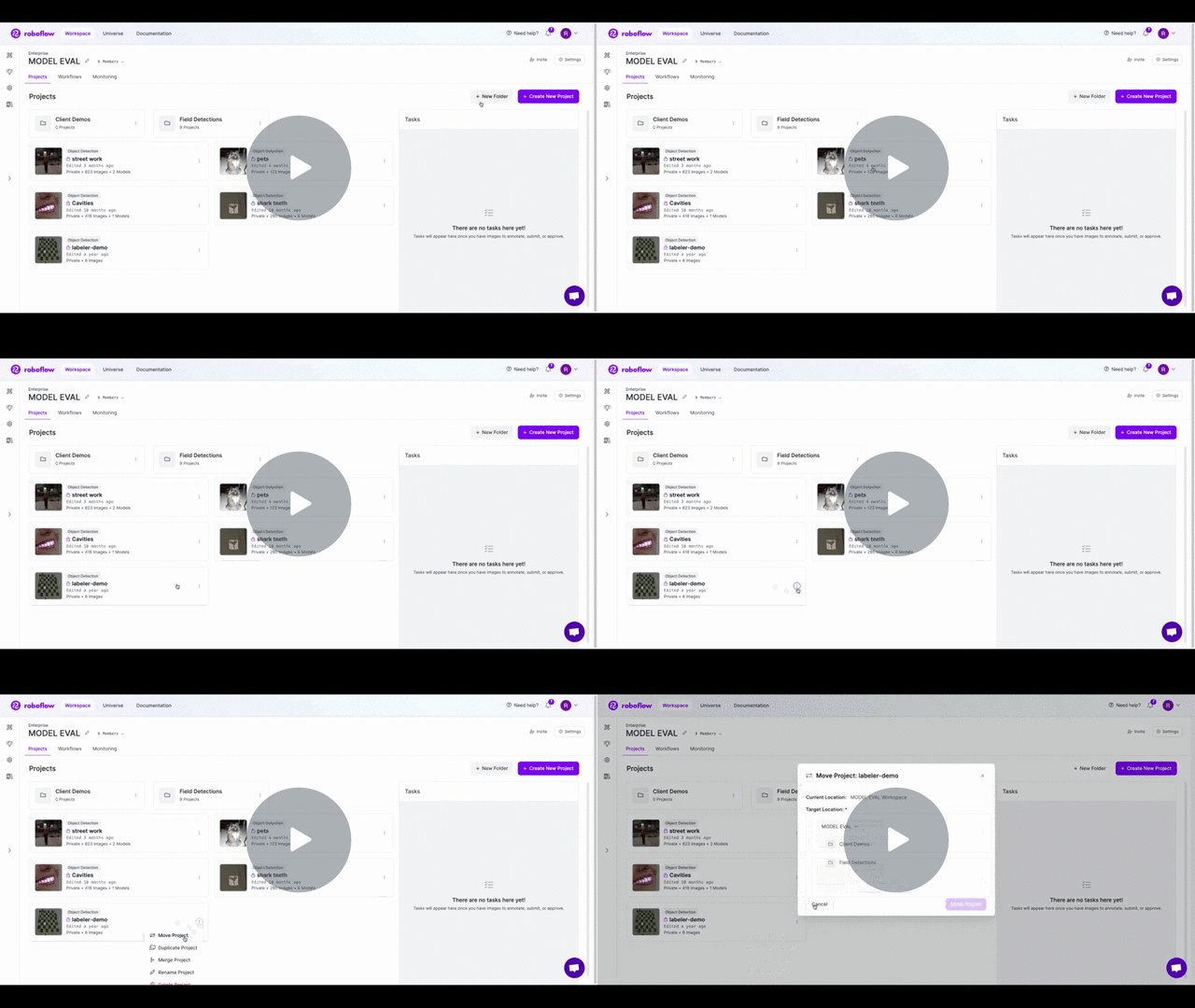
既存の project を folder に移動できます。project を移動するには、その project のドロップダウンメニュー(3つの点)をクリックし、「Move Project」を選択します。するとポップアップが表示されるので、新しい移動先を選択できます。project folders がない場合は、「New Folder」ボタンをクリックして追加できます。すでにある場合は、既存の folder を移動先として選択できます。project を folder の外に移動したい場合は、workspace 名を選択できます。
[\[Roboflow Documentation\] Project Folders - Move Project - 動画を見る](https://www.loom.com/share/a411cabb98f14255b07c3c2e209c3abd)
#### Folder の削除
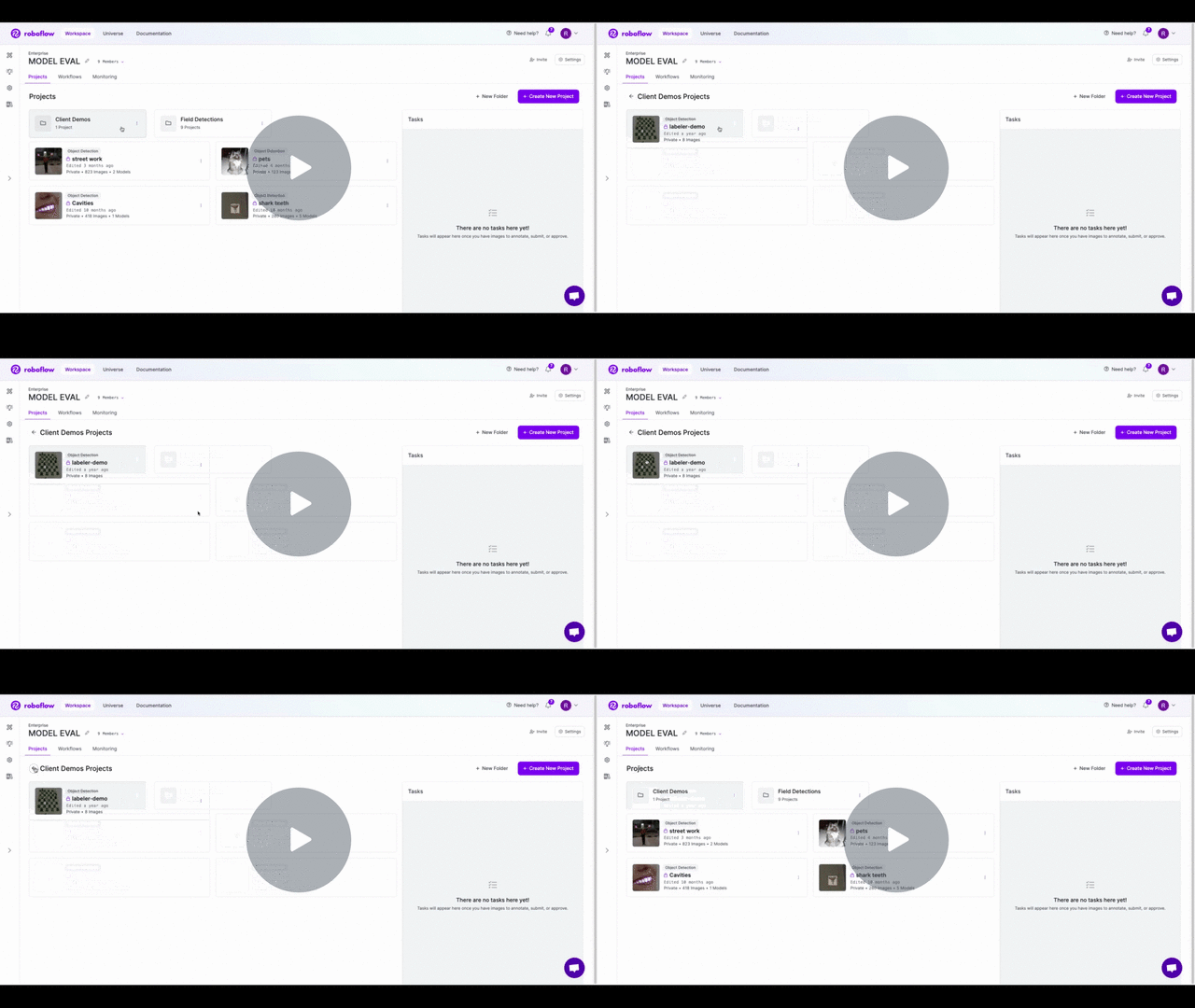
project folder 上のドロップダウンメニュー(3つの点)をクリックし、「Delete」オプションを選択すると folder を削除できます(この操作は元に戻せません)。folder を削除しても **削除されません** 。folder 内の project は workspace レベルに戻されます。
[\[Roboflow Documentation\] Project Folders - Delete Folder - 動画を見る](https://www.loom.com/share/852e70b217de4d5d9ca79bef41903ad9)
### カスタム Folder 権限
Folders は project を整理・管理する優れた方法ですが、一部の folder に対してカスタム権限を設定することもできます。たとえば、workspace の一部のメンバーだけに特定の folder 内の project へのアクセスを許可したい場合、Roboflow の SSO 統合を使って実現できます。設定を開始するには、support までご連絡ください。喜んでセットアップをお手伝いします。
### Project Folders API
Project Folders は Roboflow API を使ってプログラム的に管理できます。利用可能な endpoint の詳細については、 [Project Folders API](/developer/rest-api/manage-project-folders.md) documentation。
---
# Agent Instructions
This documentation is published with GitBook. GitBook is the documentation platform designed so that both humans and AI agents can read, navigate, and reason over technical content effectively. Learn more at gitbook.com.
## Querying This Documentation
If you need additional information that is not directly available in this page, you can query the documentation dynamically by asking a question.
Perform an HTTP GET request on the current page URL with the `ask` query parameter, and the optional `goal` query parameter:
```
GET https://docs.roboflow.com/roboflow/roboflow-jp/datasets/project-folders.md?ask=&goal=
```
`ask` is the immediate question: it should be specific, self-contained, and written in natural language.
`goal` is optional and describes the broader end goal you are ultimately trying to accomplish on behalf of the user. GitBook uses it to tailor the answer towards what is most useful for that goal.
The response will contain a direct answer to the question and relevant excerpts and sources from the documentation.
Use this mechanism when the answer is not explicitly present in the current page, you need clarification or additional context, or you want to retrieve related documentation sections.